Screenshot editor for iPhone and iPad
Get a screenshot ready to send.
Point to the spot, cover private details, and add a frame. Editing runs on your device.
01
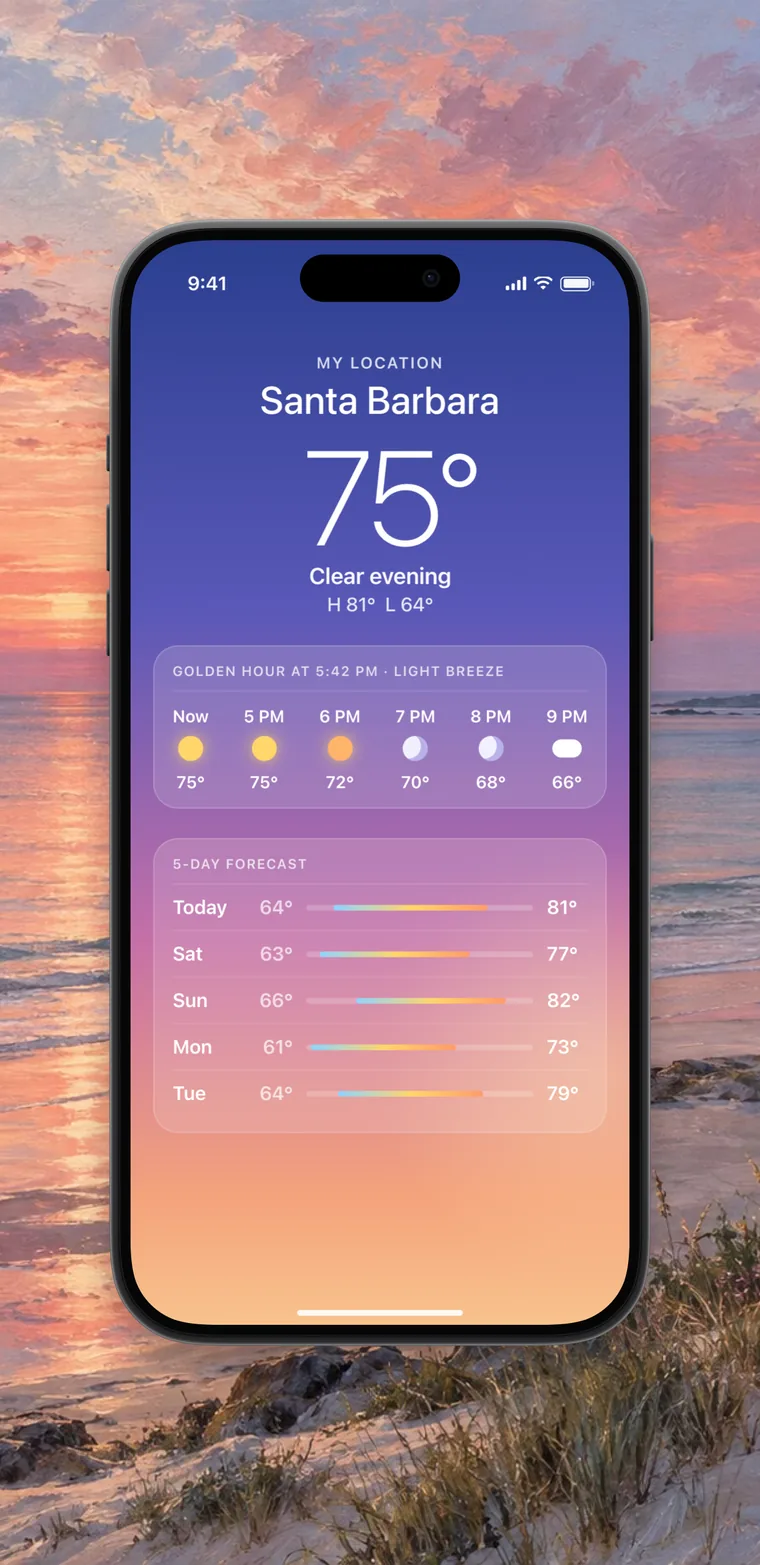
Send a receipt without your card number.
Scan finds card numbers, emails, and addresses. You choose what to cover.
Solid covers hide the text completely. Scan can miss things, so check the image before you share it.
02
Show someone where to tap.
Add numbered steps and arrows to a screenshot.
03
Make small text readable.
A lens enlarges text and shows where it came from.
04 New
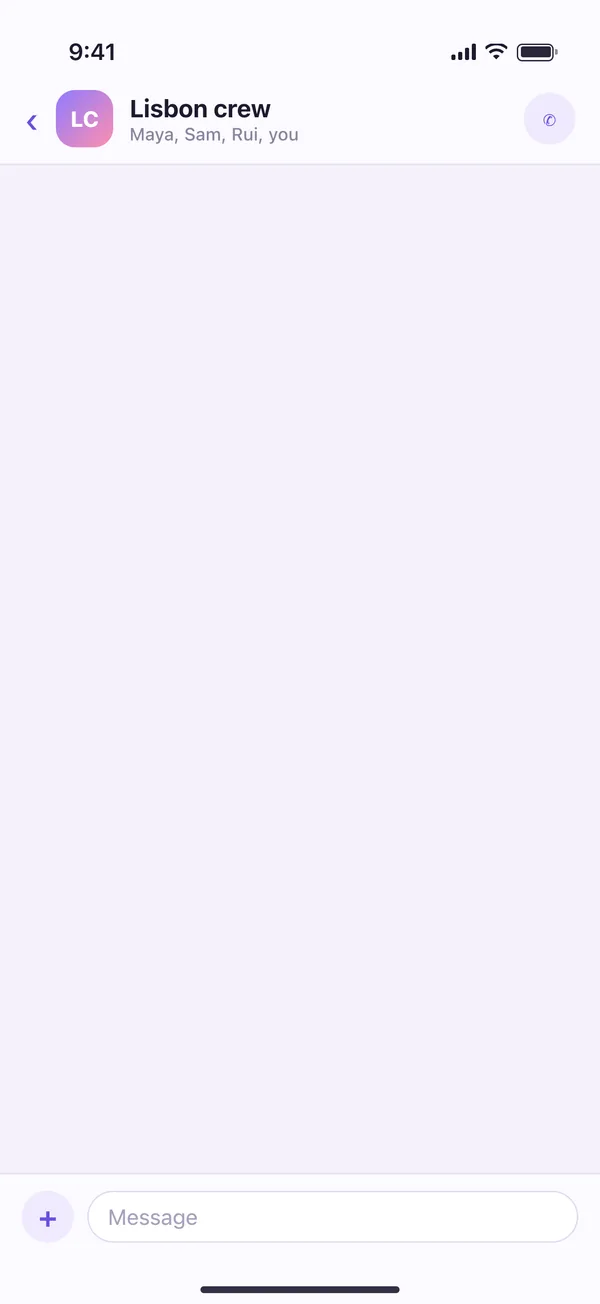
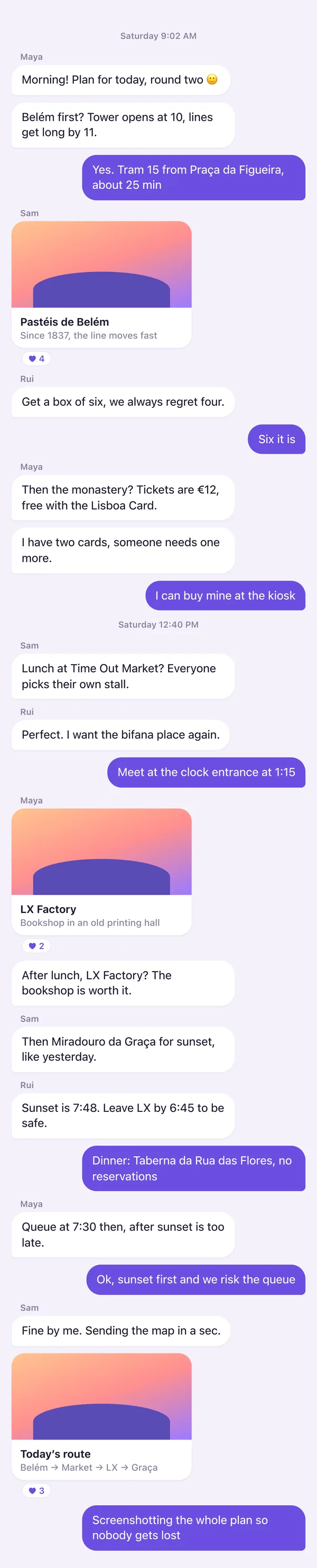
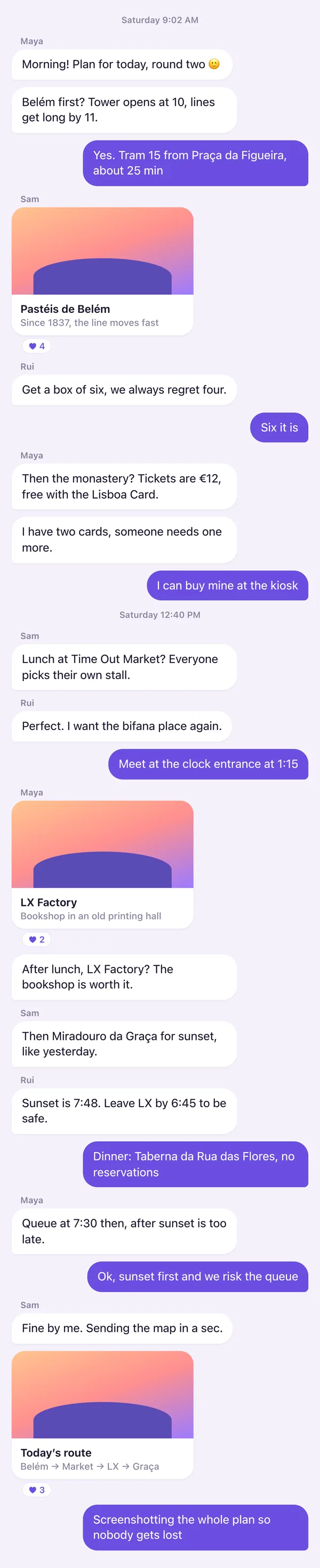
Capture a whole scroll in one image.
Scroll through another app. Fineshot joins it into one tall screenshot.
Fixed bars aren’t repeated down the image. The recording stays on your device.
05
Add a frame and a background.
iPhone, iPad, and MacBook frames. Fineshot suggests backgrounds from the screenshot’s colors.
Over 200 backgrounds: colors, gradients, and wallpapers.
06
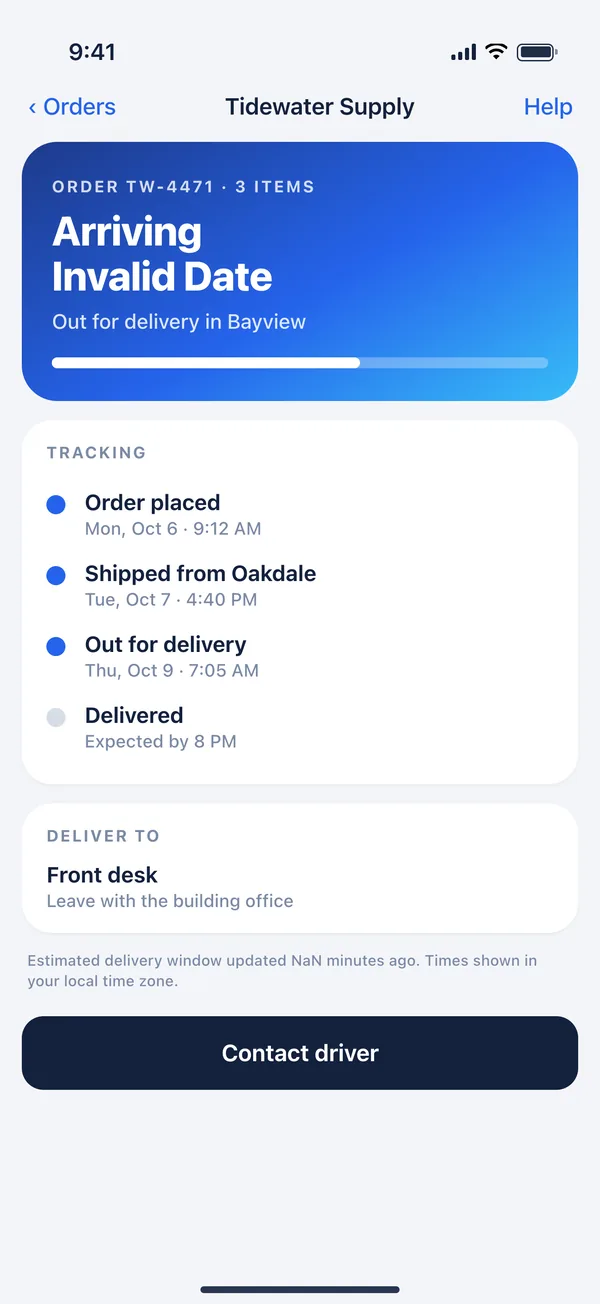
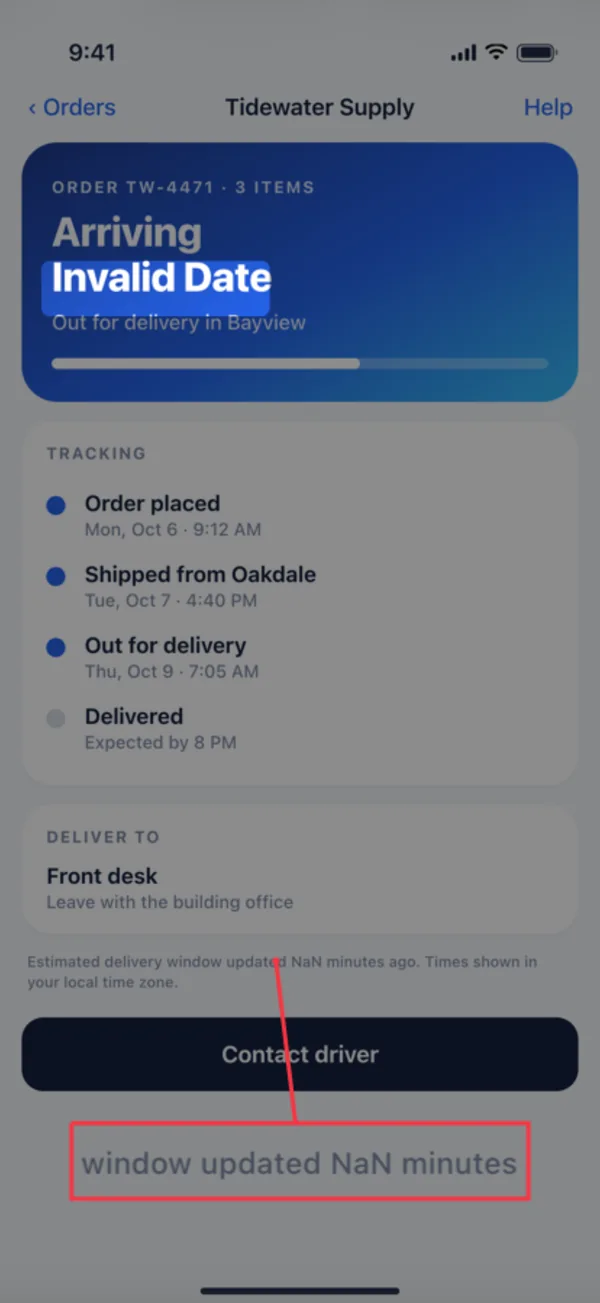
Show a developer where the bug is.
Highlight the line and enlarge small text.
07
Frame your latest screenshot from the Action button.
Your saved look is applied and the image is copied.
On iPad, run Frame Latest Screenshot from Shortcuts or Spotlight.
-
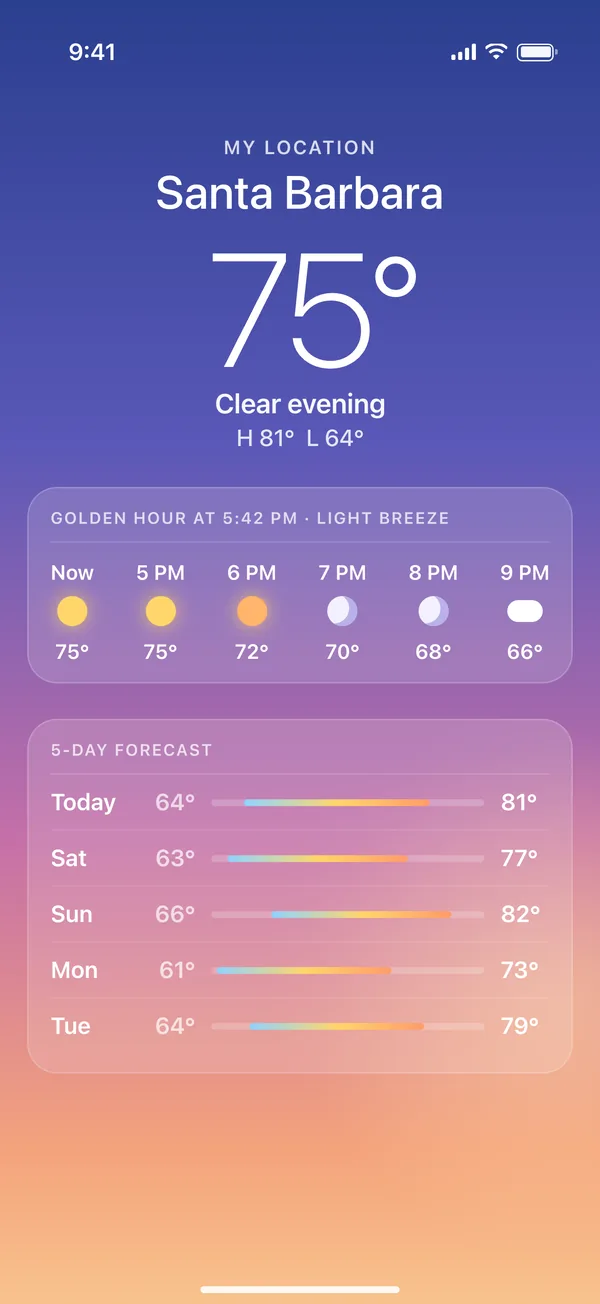
1Take a screenshot
-
Frame Latest Screenshot

2Press the Action button
-
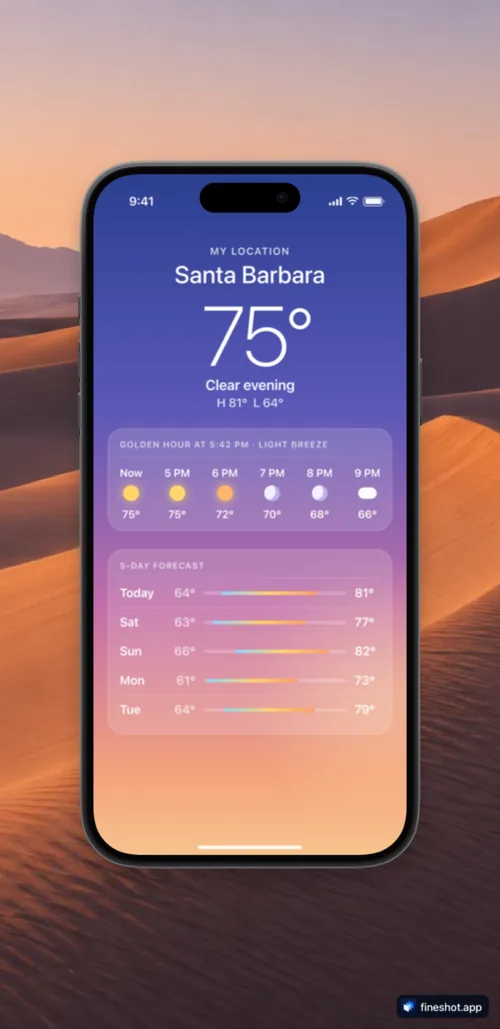 Copied
3Paste the framed image
08
Answer a question with one screenshot.
Mark it up, then send it.
How do I save this song?
Tap the plus
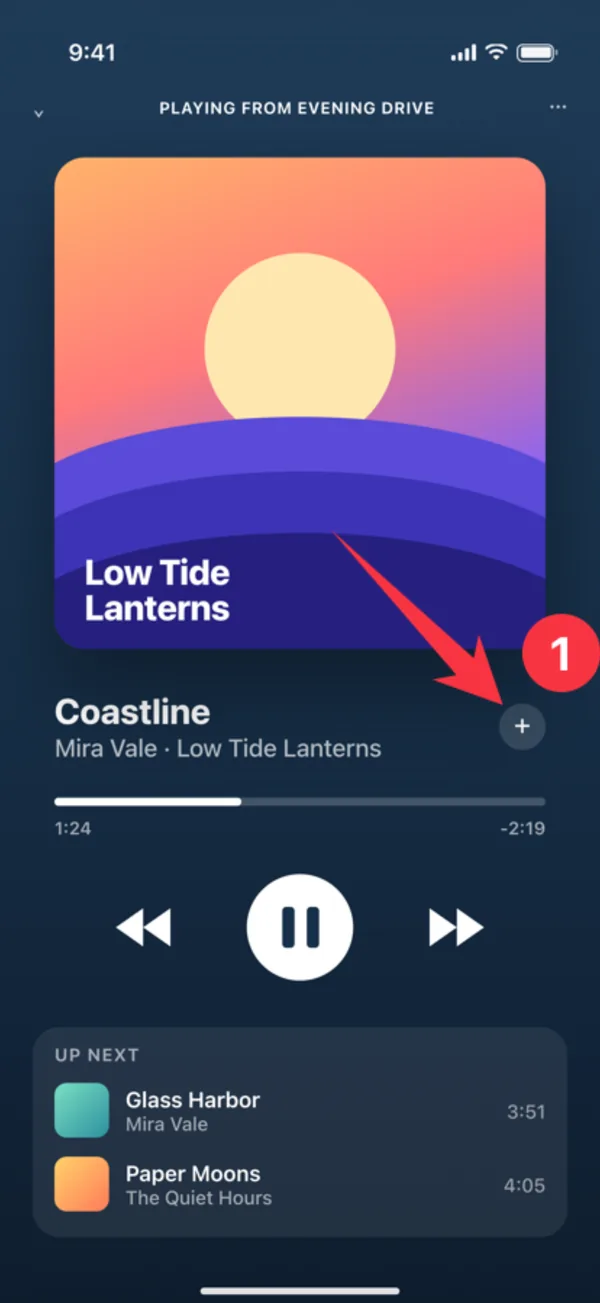
Got it, thanks!

Your screenshots stay on your device.
Editing and Scan run on your iPhone or iPad. Fineshot has no accounts and no servers of its own. Nothing is sent to us.
- No account
- No servers of its own
- Scan runs on your device
Also included.
Stitch screenshots
Join two to eight screenshots into one tall image.
Extract text
Copy the text out of any image.
Share from any app
Tap Share and choose Fineshot. You return to that app when you finish.
Edit inside Photos
Tap Edit in Photos, then choose Fineshot. Photos keeps the original.
Saved looks
Save a background and frame, then use it on the next screenshot.
Shortcuts
Frame, resize, and stitch in your automations.
Made for iPad
The full editor, laid out for the larger screen.
Short guides
Every tool has a guide with a practice screenshot. Learn Fineshot
Pay once for Pro. No subscription.
Fineshot is free to download. Pro is a one-time purchase you can restore on any device signed in to your Apple Account.
Free
- Every editing tool
- Redaction, blur, magnifying lens, and Scan
- Device frames in every finish
- The Nature collection, 26 gradients, 12 starter wallpapers, and auto gradients
- Saved looks and the Frame Latest Screenshot shortcut
Pro
- Every wallpaper collection, including Astral Editions
- Import your own backgrounds from Photos, Files, or the clipboard
- Exports without Fineshot branding
- Up to 30 saved looks and a 20-style brand kit
- Custom export sizes, batch export, and Shortcuts automation
Unlock Pro from Settings inside the app.
Fineshot is coming to the App Store.
Coming soon to theApp StoreFor iPhone and iPad, with an optional one-time Pro purchase.